


Phantom G3 Monitor Screen Sync Backlight
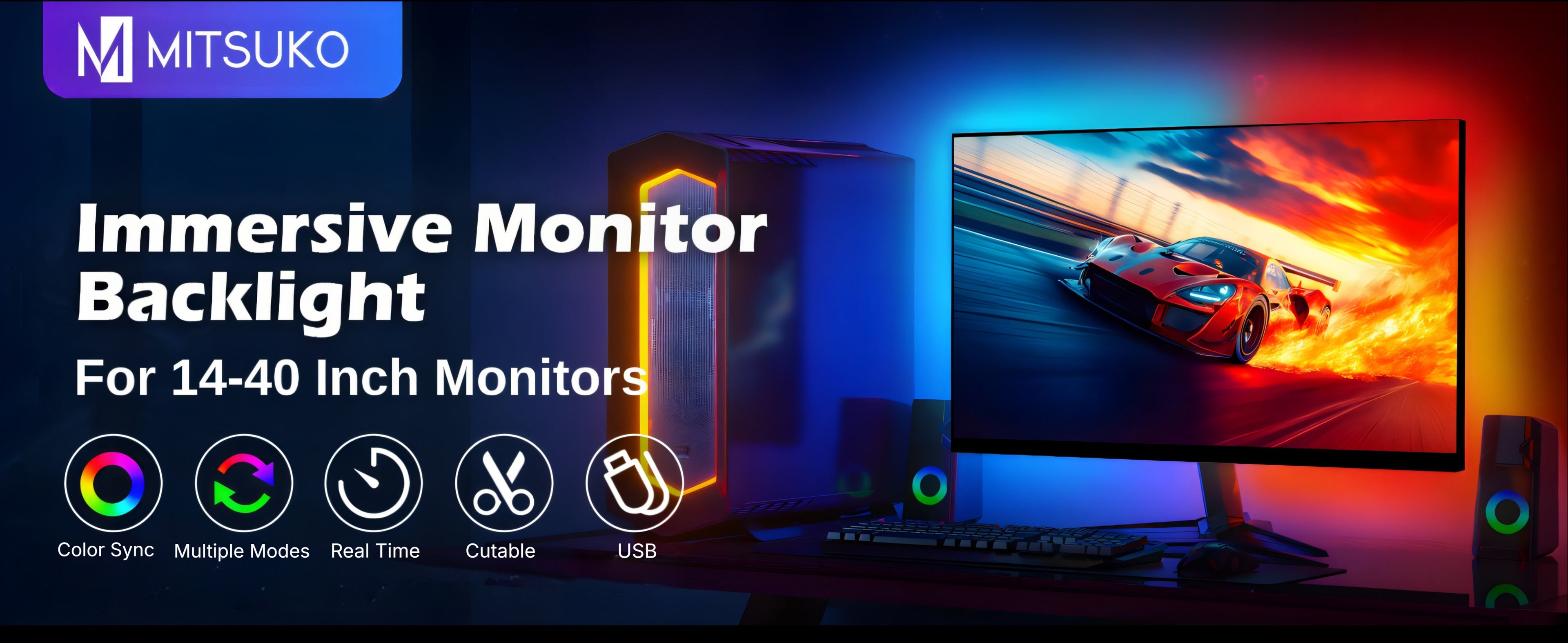
Monitor Backlight with real-time monitor sync — USB-powered RGBIC strip for screens up to 40 inches, syncs together with Gleam light bars.
MRP:
Couldn't load pickup availability
Description
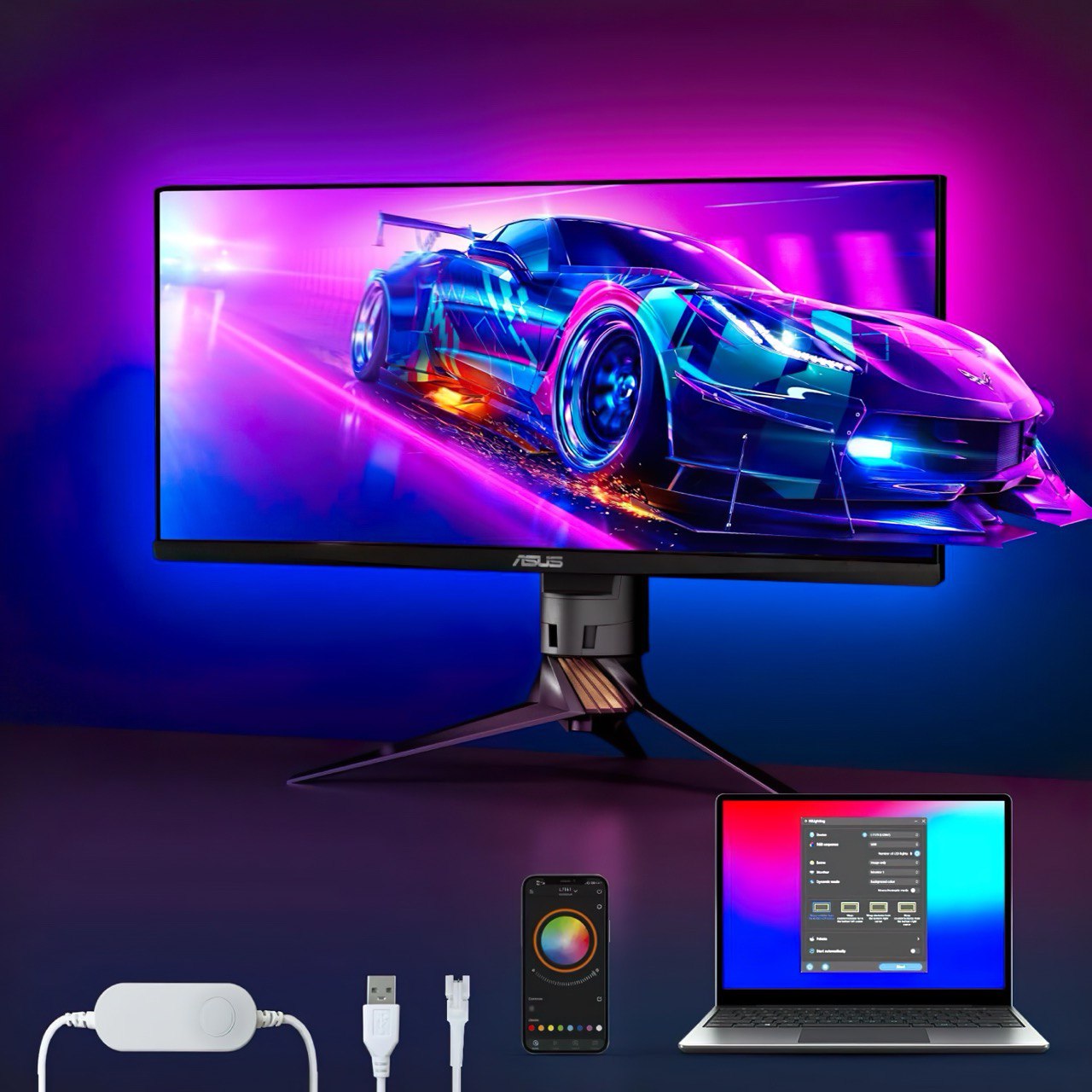
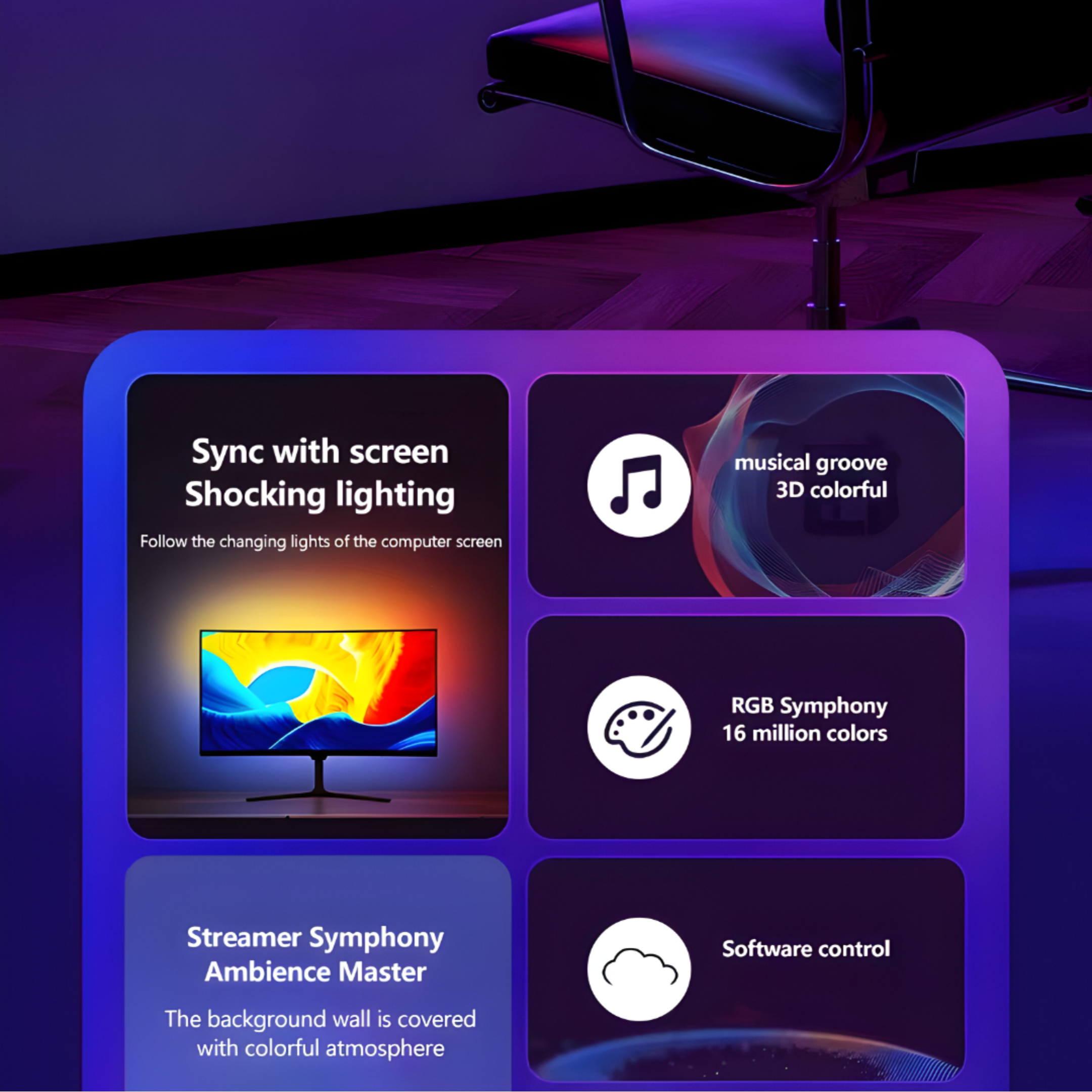
A monitor backlight that follows your screen
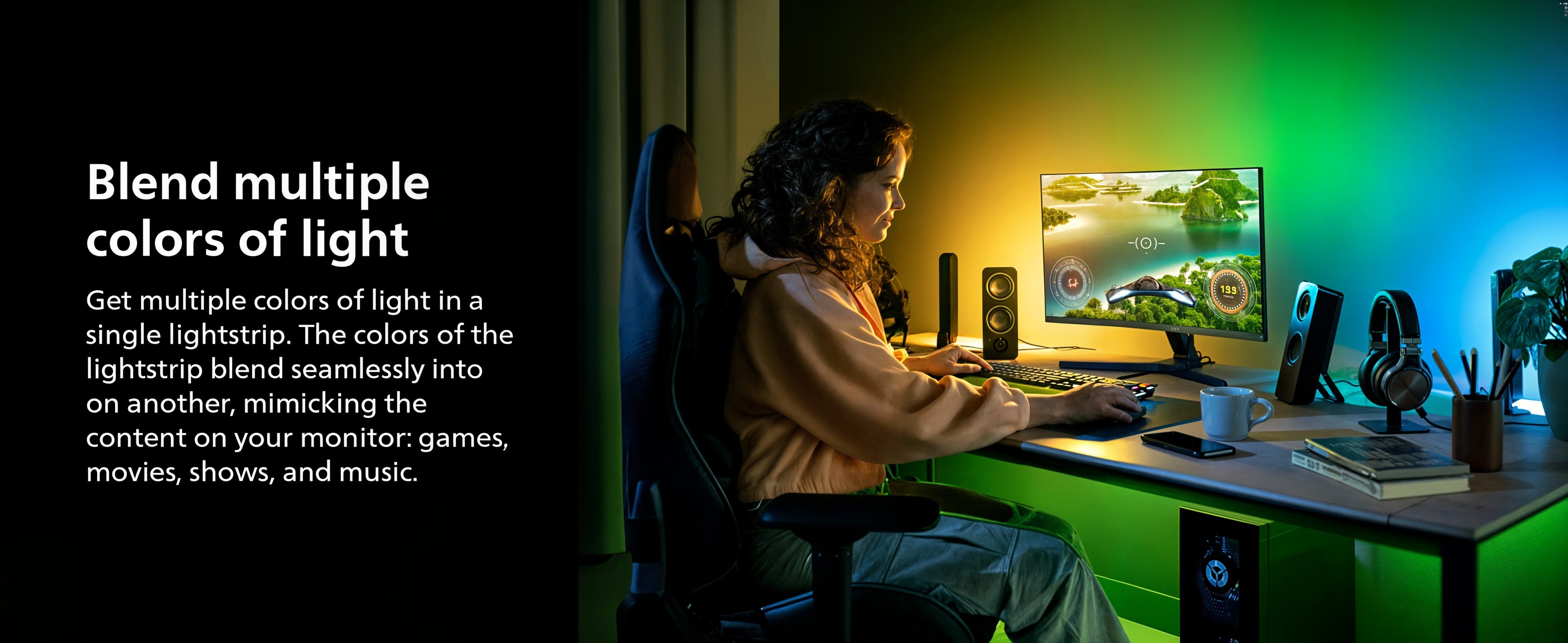
Phantom G1 is a monitor backlight for gaming setups. It mounts on the back of your screen and lights the wall behind it, changing colour in real time to match what you're playing or watching.
It powers from a USB-A port on your PC and reads the screen directly — no sync box, no signal path to route, nothing between your graphics card and your monitor.
How monitor sync works
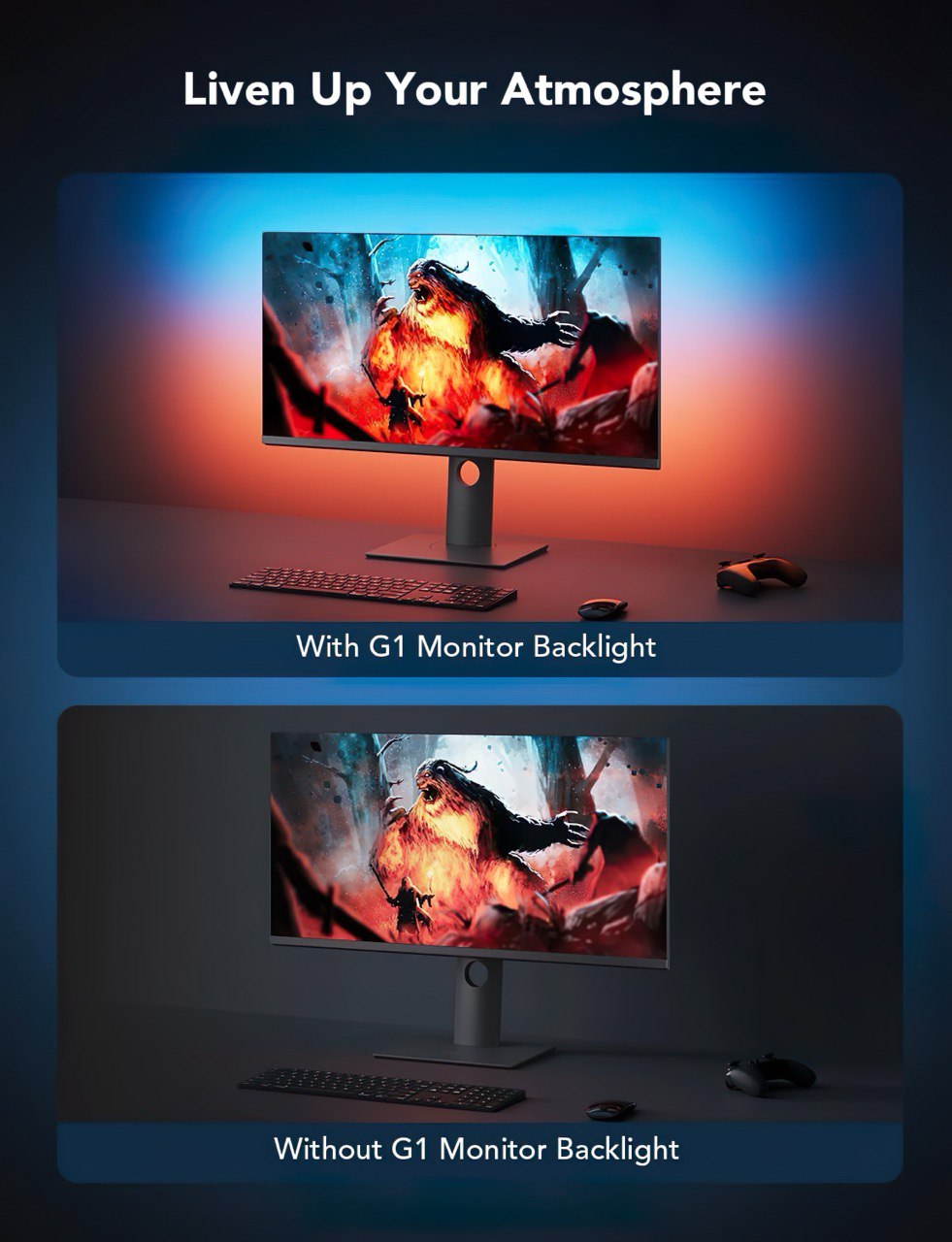
Monitor sync reads your display output frame by frame and drives the strip to match. A dark corridor keeps the wall dark; a bright open map fills the room with its palette. The light behind the screen becomes an extension of the screen rather than a static glow.
Because the reading happens on your computer rather than in a box in the HDMI chain, there's no passthrough to worry about and nothing to downgrade — your monitor runs at whatever refresh rate and resolution it always did.
Syncs together with Gleam light bars
A monitor backlight lights the wall behind the screen. Light bars light the desk and the space in front of it. Run both and the whole setup is lit from every direction instead of one plane.
Gleam GBar2 light bars and Phantom G1 both run from Mitsuko Smart Connect and take their colour from the same screen, so they move together as one lighting setup rather than two systems doing their own thing.
Backlight for depth behind the monitor, bars for presence around it — together they're what turns a lit screen into a lit room.
Room ambience for a gaming setup
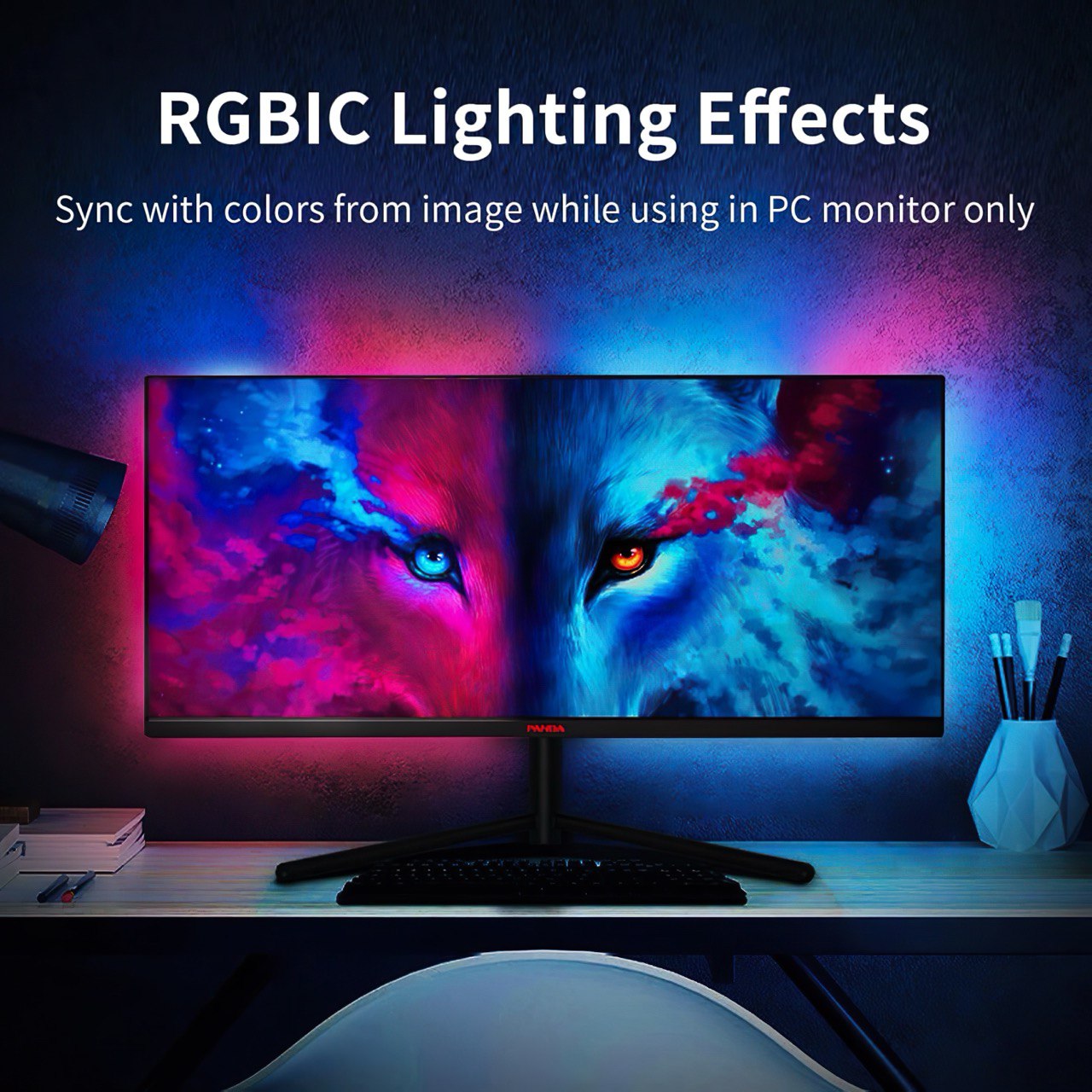
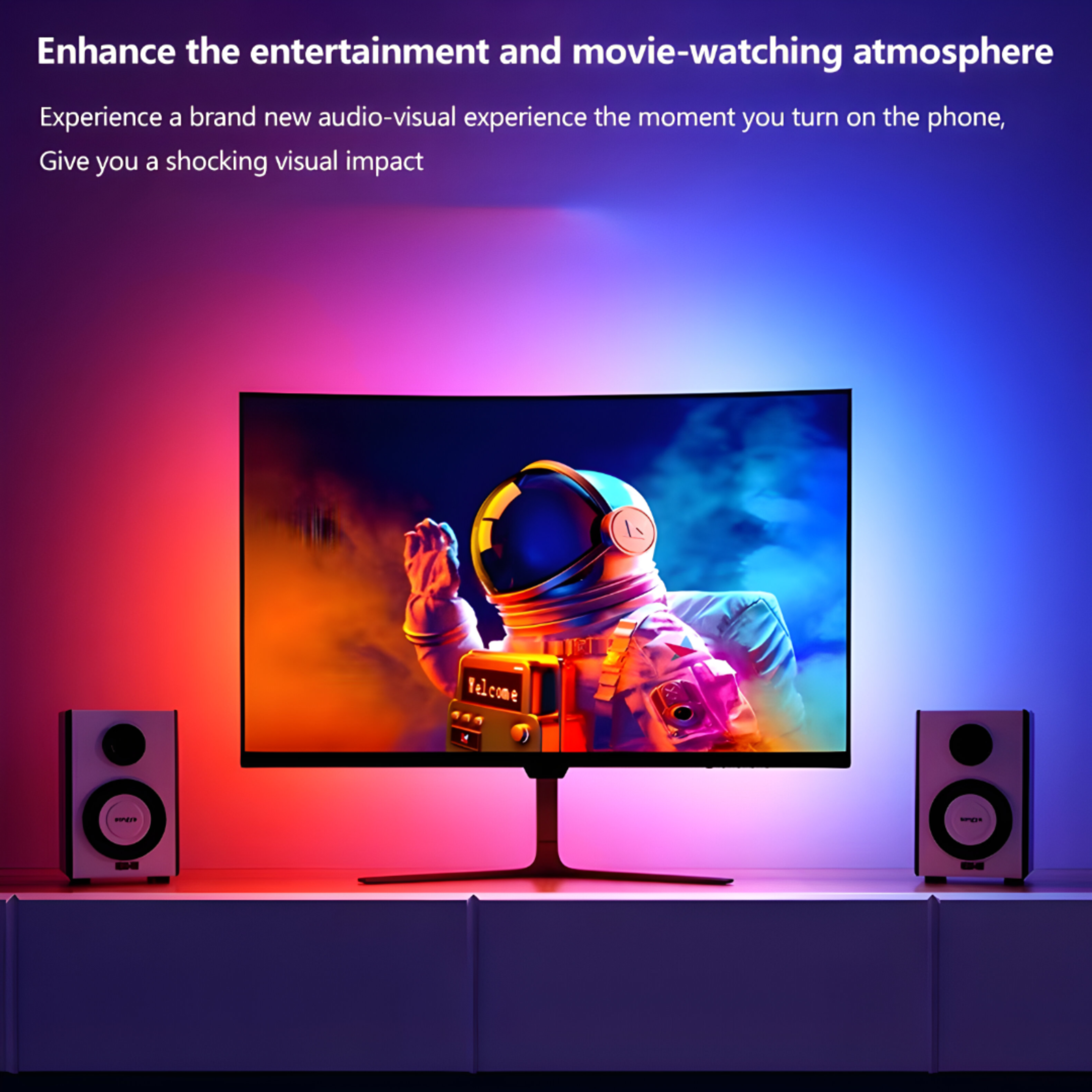
Ambient light behind a screen does two things at once. It makes the display feel larger by softening the edge between picture and wall, and it lowers the contrast between a bright monitor and a dark room, which makes long sessions easier on your eyes.
In a dark room the effect is dramatic — colour spilling across the wall in step with the game. In a lit room it reads as atmosphere rather than a light source, which is how most people run it day to day.
Sized for large monitors
Phantom G1 fits screens up to 40 inches, which covers standard monitors, ultrawides and small TVs used as displays. For 24 to 27 inch screens, Ambit 2 is the closer fit.
Measure the back of your monitor around all four edges rather than going by the diagonal on the box — the panel size and the mounting surface aren't the same number.
Runs on Mitsuko Smart Connect
Phantom G1 is controlled from Mitsuko Smart Connect, our desktop software for Windows and macOS. Monitor sync, colours, brightness, effects and custom modes all live there, on the machine you're already sitting at.
Download it free from our site. Basic lighting works the moment you plug in; the software is what unlocks sync and customisation.
Setting it up
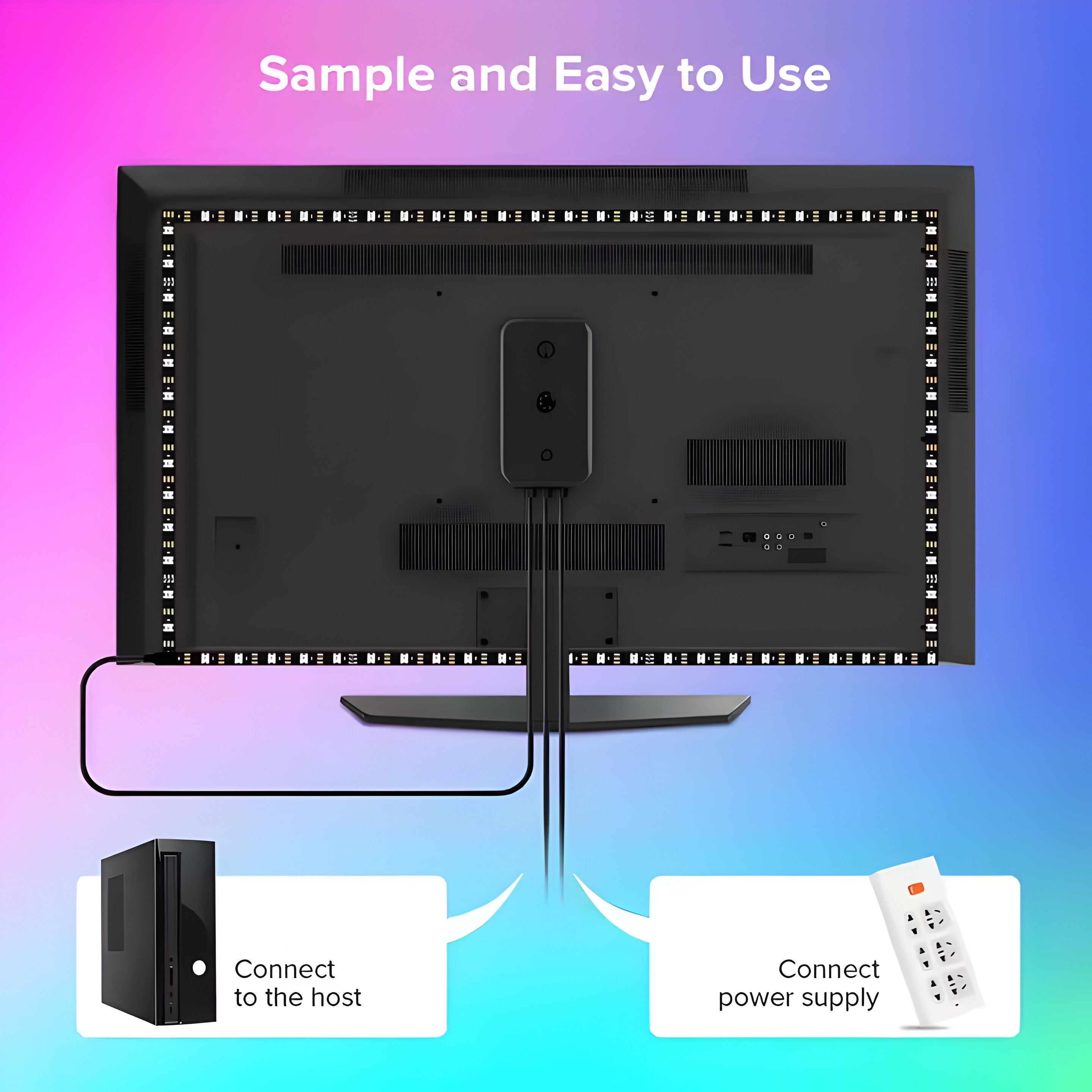
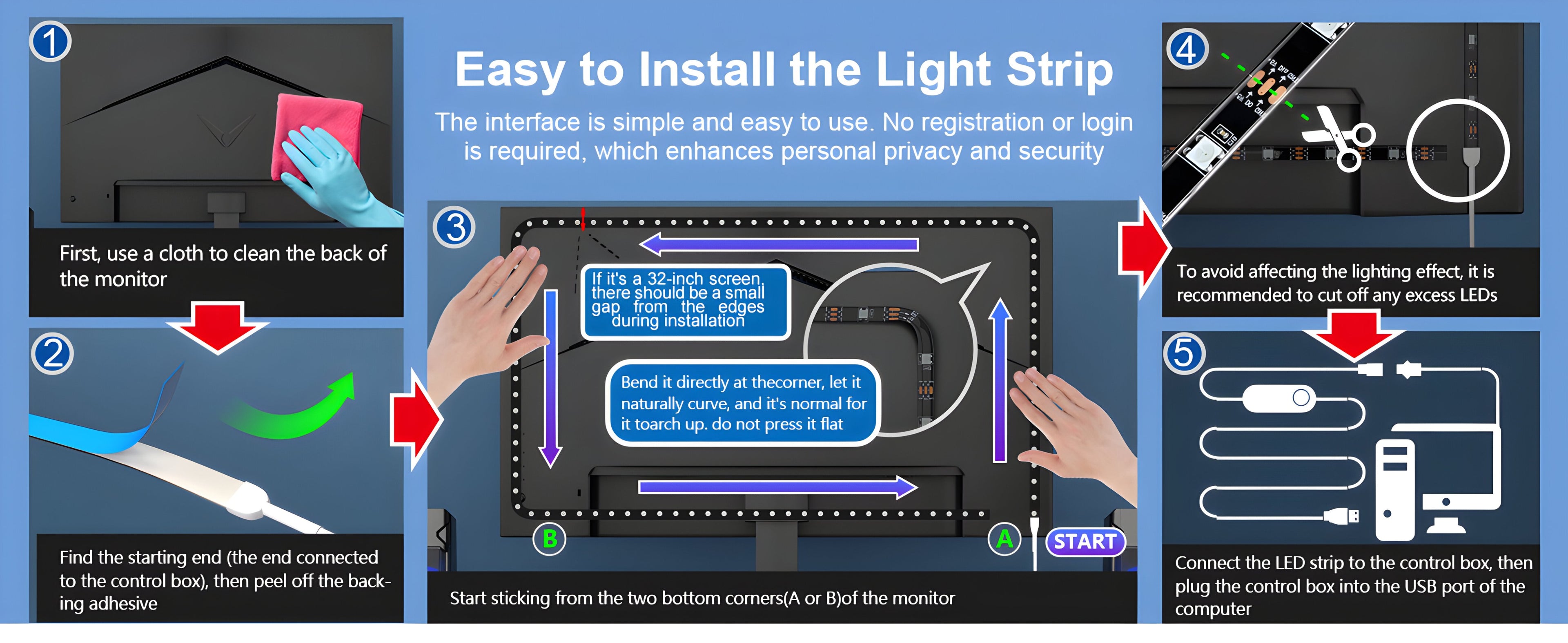
- Clean the back of your monitor. The adhesive needs a dust-free surface, and this is the difference between a strip that stays put and one that peels.
- Stick the strip around the back panel edge, one side at a time, using the corner pieces at each turn.
- Plug the USB connector into a free USB-A port on your PC.
- Install Mitsuko Smart Connect, open it, and pick your sync mode.
Common questions
Is there a phone app?
No. Phantom G1 is controlled from Mitsuko Smart Connect on your computer. Our TV backlight kits and Fantasia wall lights are the products that use a phone app.
Do I need a sync box?
No. Sync boxes are for TV setups where the video signal passes through a box on its way to the screen. Phantom G1 reads your display directly through your PC.
Can I run it with light bars at the same time?
Yes. Gleam GBar2 and Phantom G1 both run from Mitsuko Smart Connect and sync to the same screen, so the backlight and the bars stay in step.
Will it work with a laptop?
Yes, as long as you have a free USB-A port and are running the software on that machine.
Does it slow down my games?
No. Reading the screen output is lightweight and won't cost you frames.
Buying from Mitsuko
One year warranty, free shipping across India, 7-day replacement, and GST billing for business purchases. Support comes directly from our team in Amritsar.
Browse the full gaming lights range.
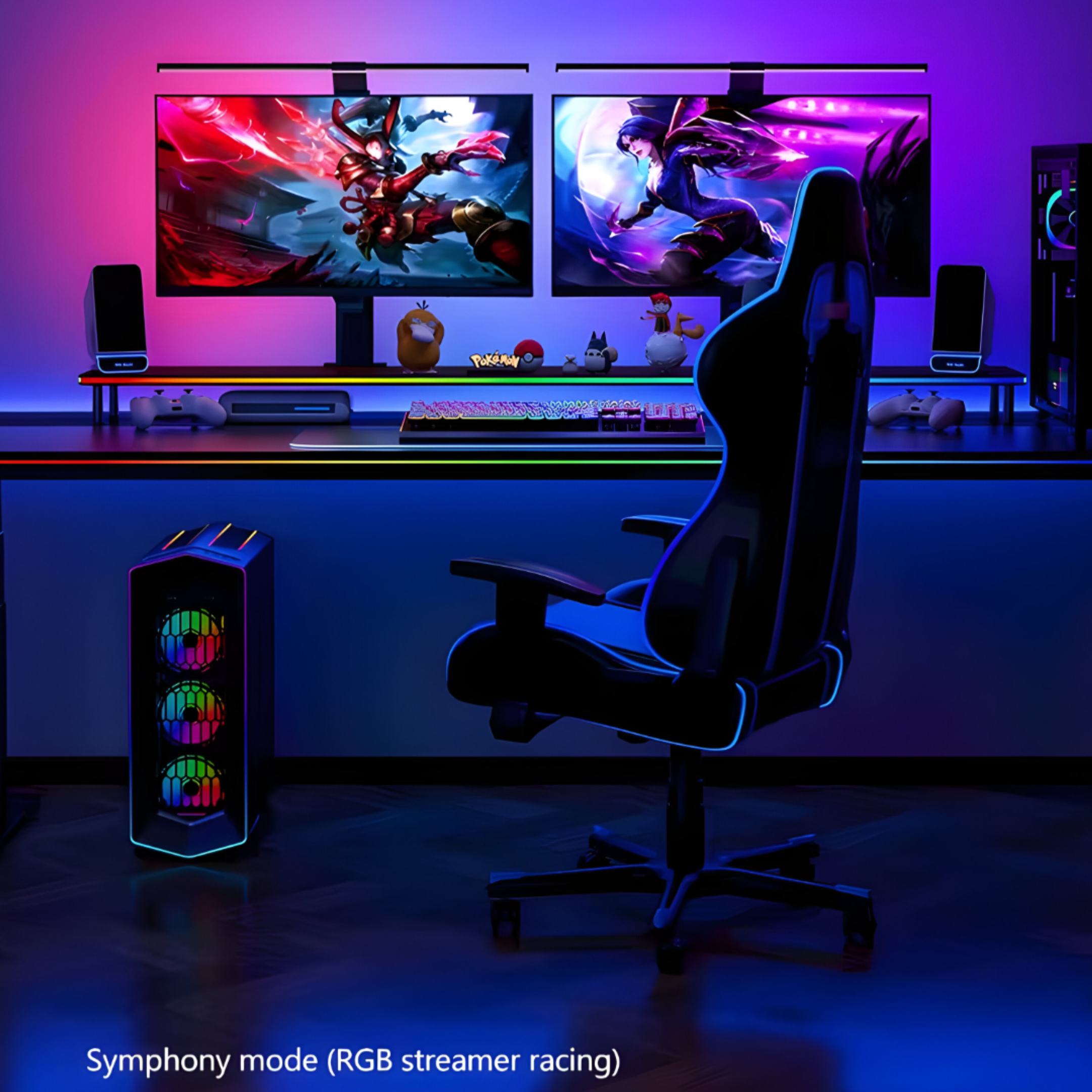
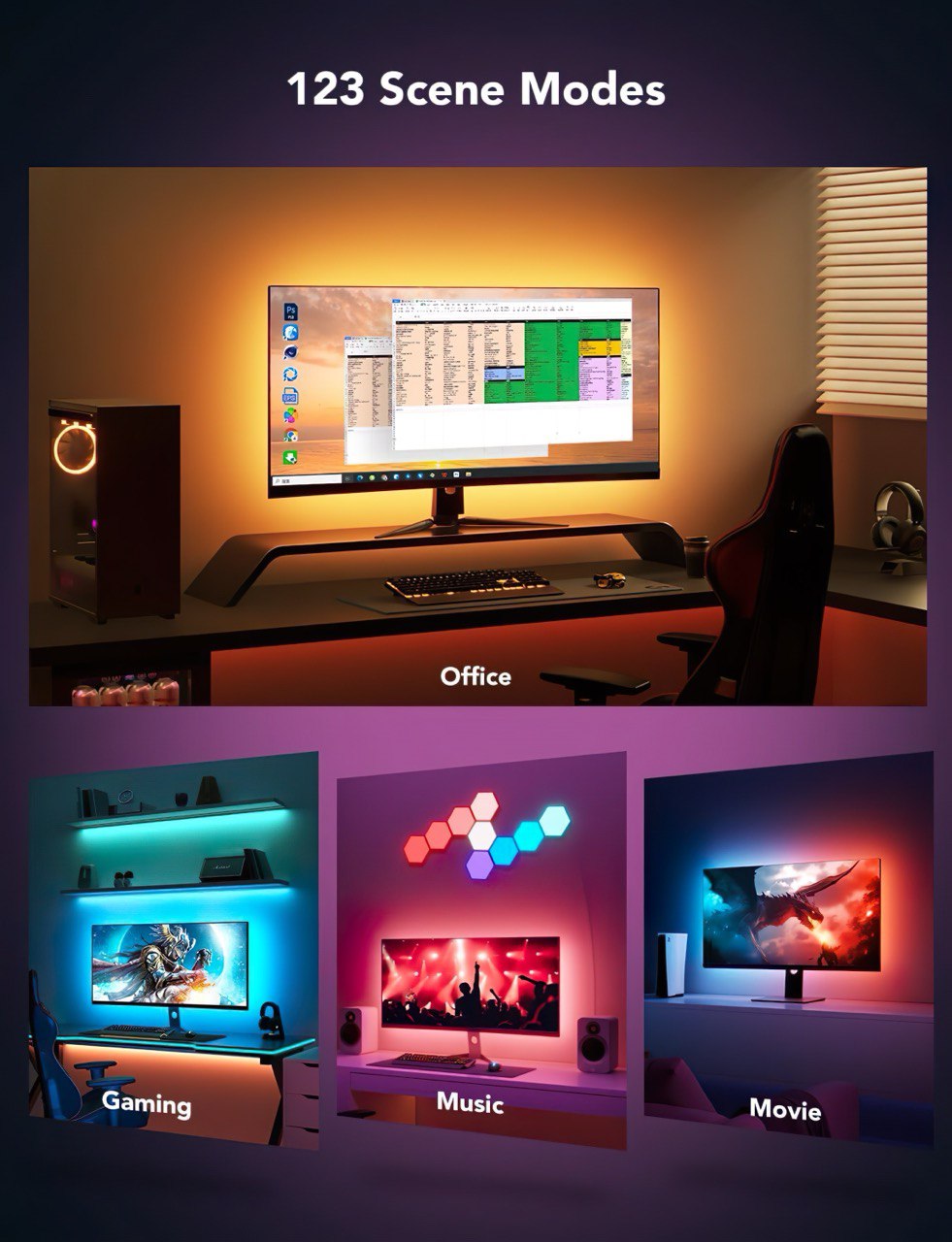


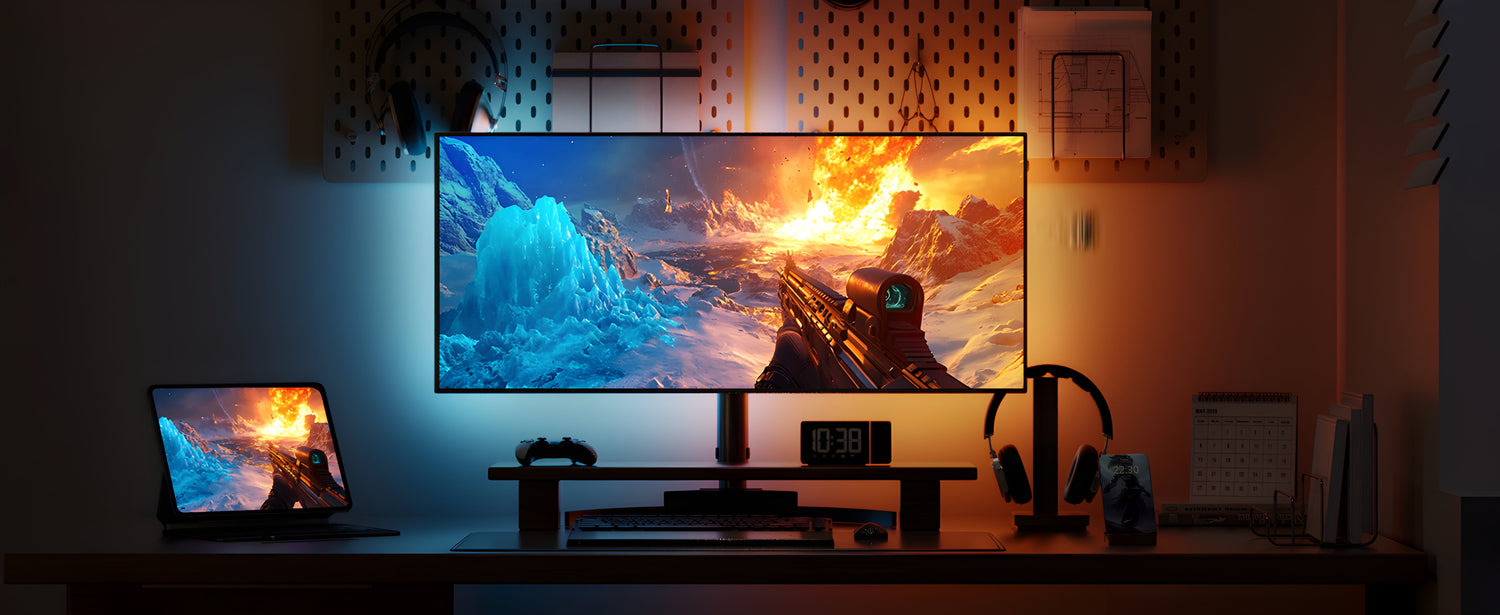
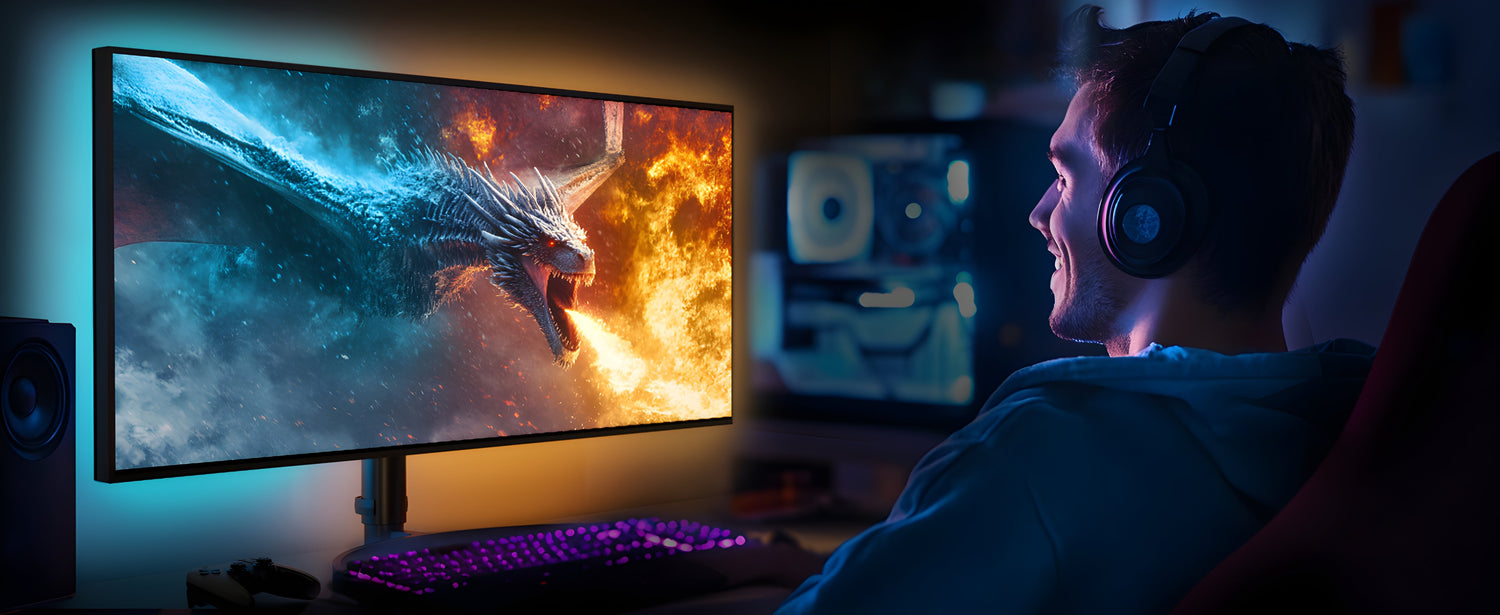
Gaming mode
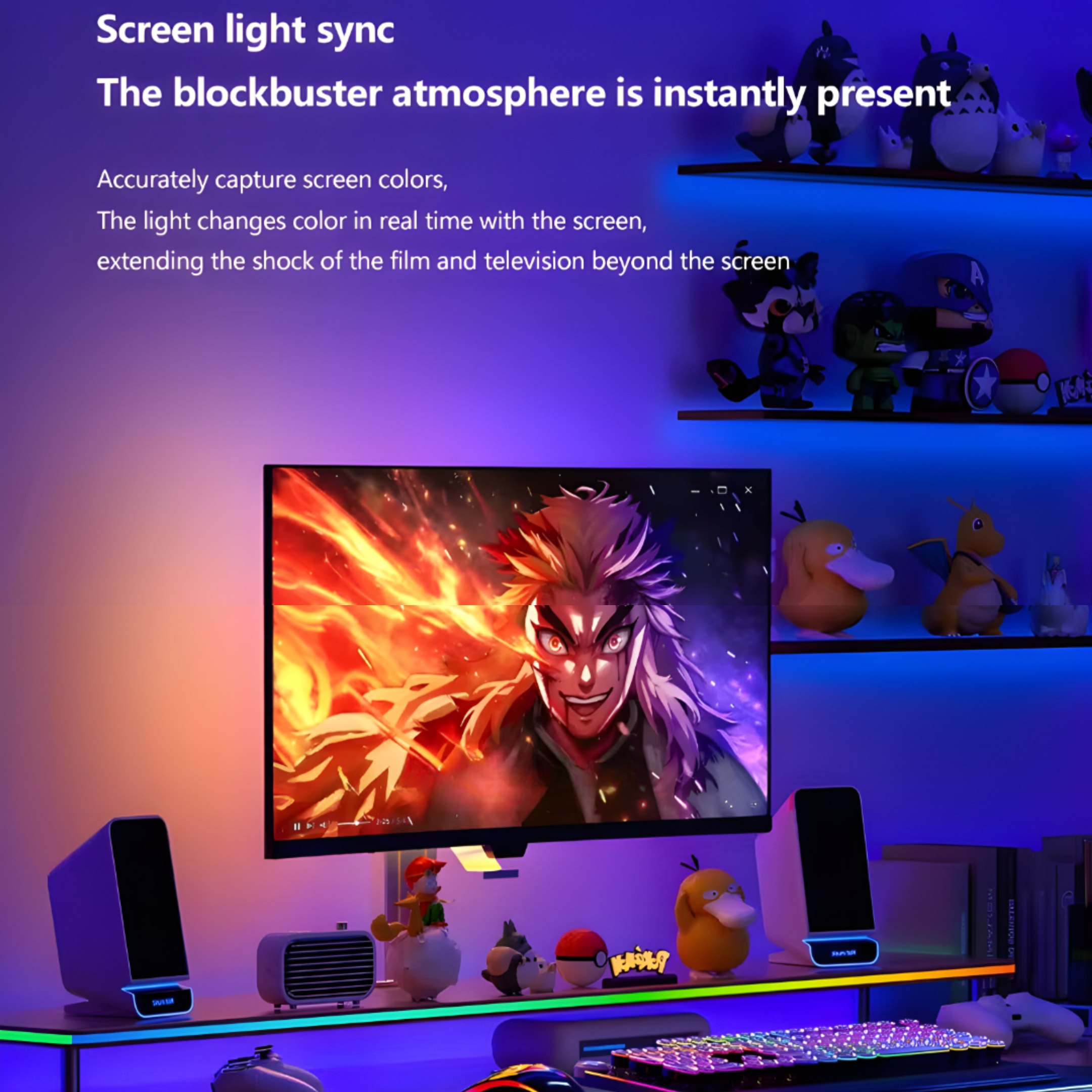
Movie mode
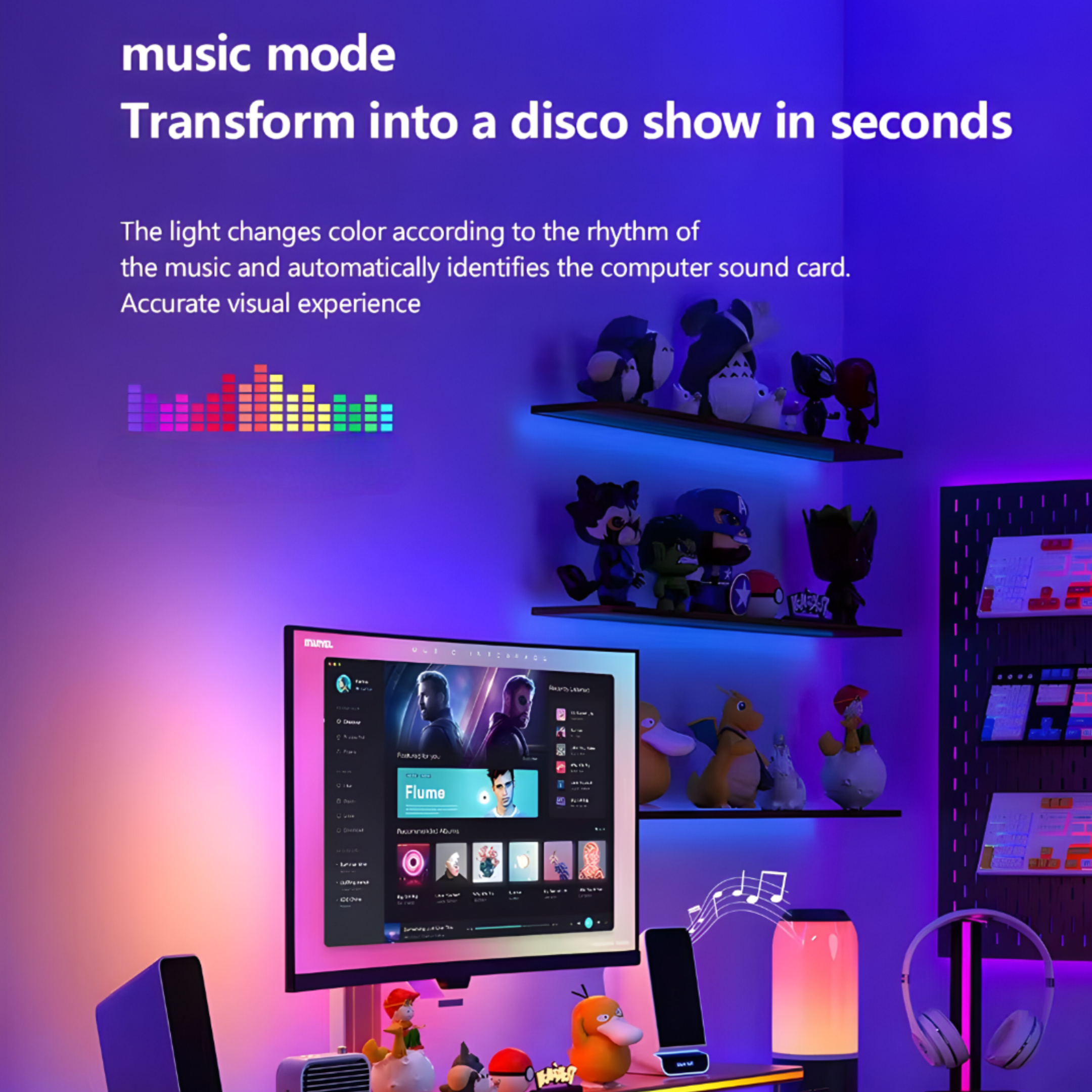
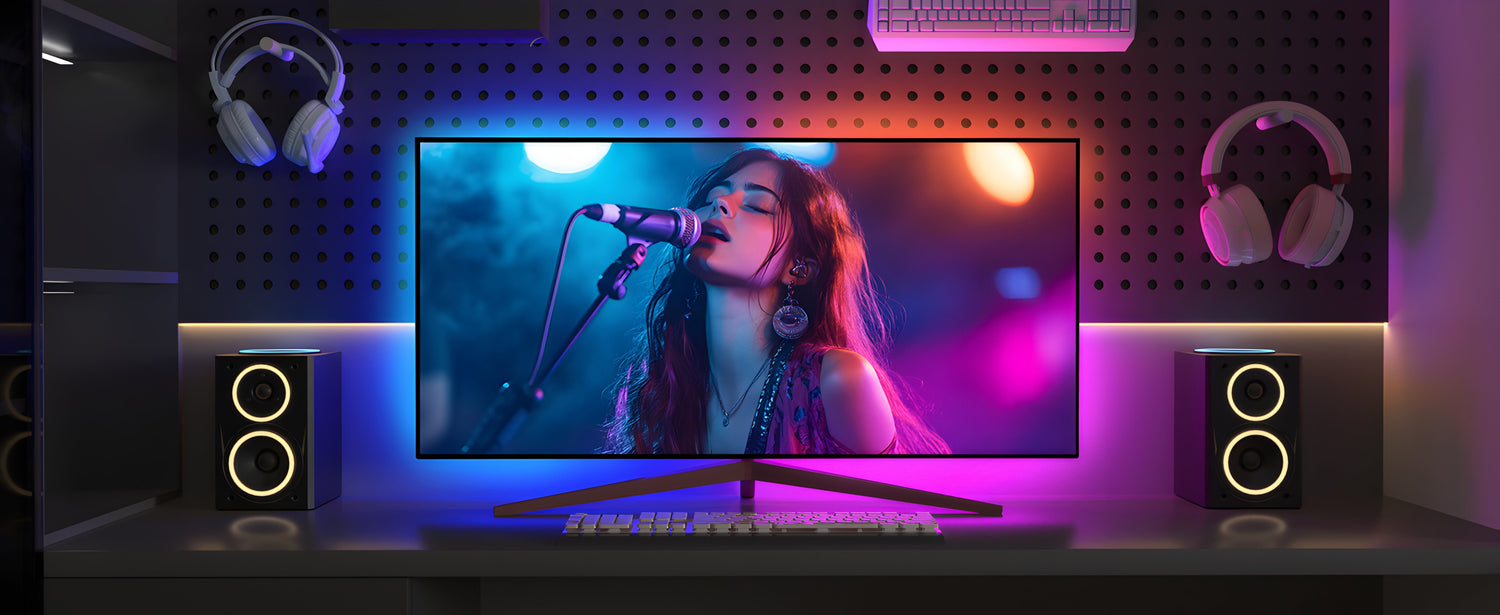
Music mode
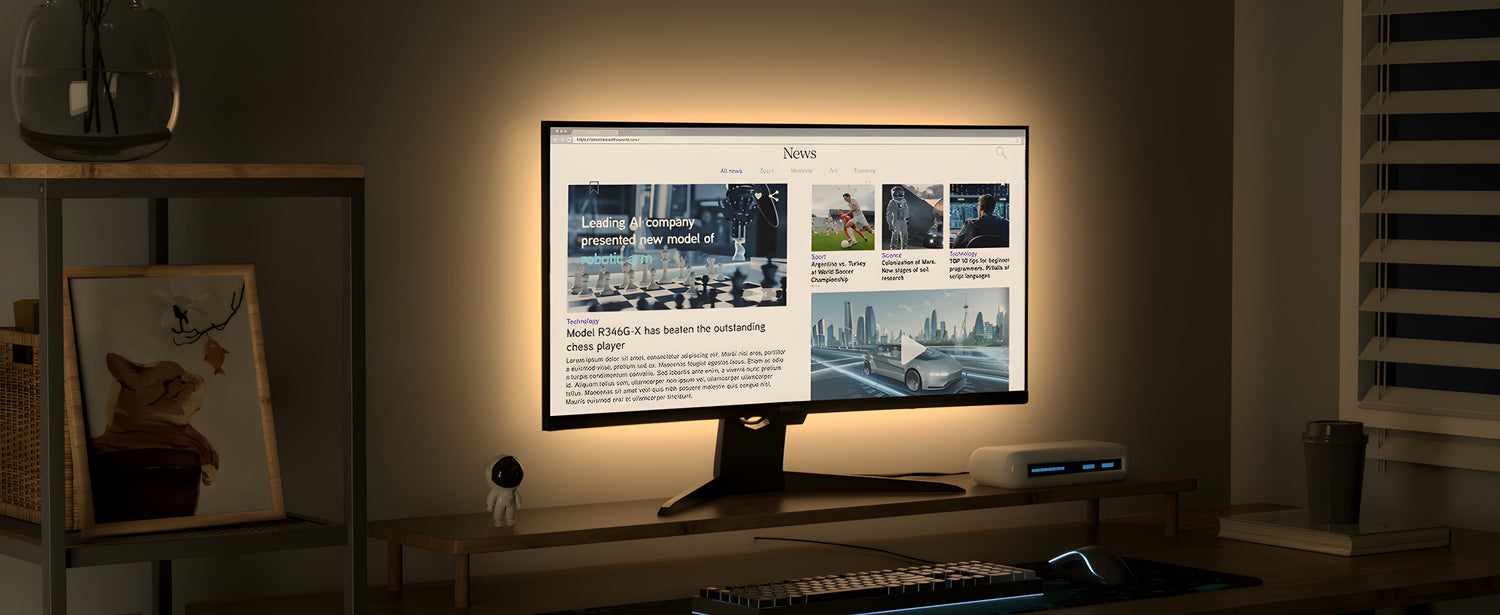
Eye Protection mode


FAQs
Technical details
What is in the box?
How to download the App?
Visit official website of Mitsuko India to download the app.
Does it support windows and mac OS ?
Yes it supports both windows and mac OS.
Why is the device unable to capture screen content when viewing certain streaming platforms like Netflix or IMDB?
Certain streaming platforms, like Netflix, Max, IMDB, Disney Plus, Prime Video, Hulu, and Crunchyroll, enforce copyright protection. As a result, PC software is unable to capture the screen content in real time while you're watching.
When attaching the LED strip to the back of the monitor, do you have to start from the bottom right corner?
No. You can start attaching the LED strip to the back of the computer screen from either the bottom left or bottom right corner. Just make sure to select the corresponding direction in the software settings so that the colors sync accurately.
How many Leds/ m ?
60 Leds/m with IP65 water resistant coating.