



Mitsuko AmbiMotion 2.1 TV LED Backlight Kit
with HDMI 2.1 Sync Box Supports 4k120hz +HDR, VRR+ALLM Immersive RGBIC Ambilight Backlight for Upto 120 inch TVs TV Lights for Games Movies (Upto 65 Inch)
MRP:
Couldn't load pickup availability
Description
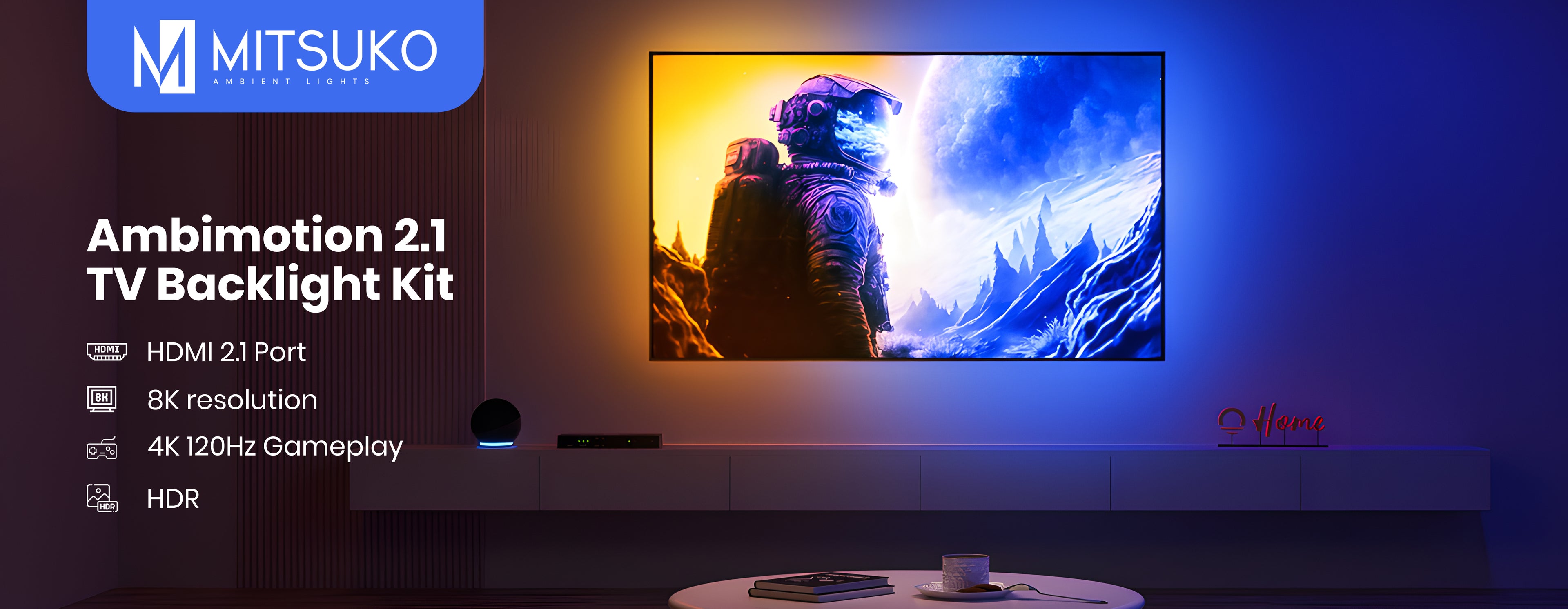
TV backlight built for 4K 120Hz gaming
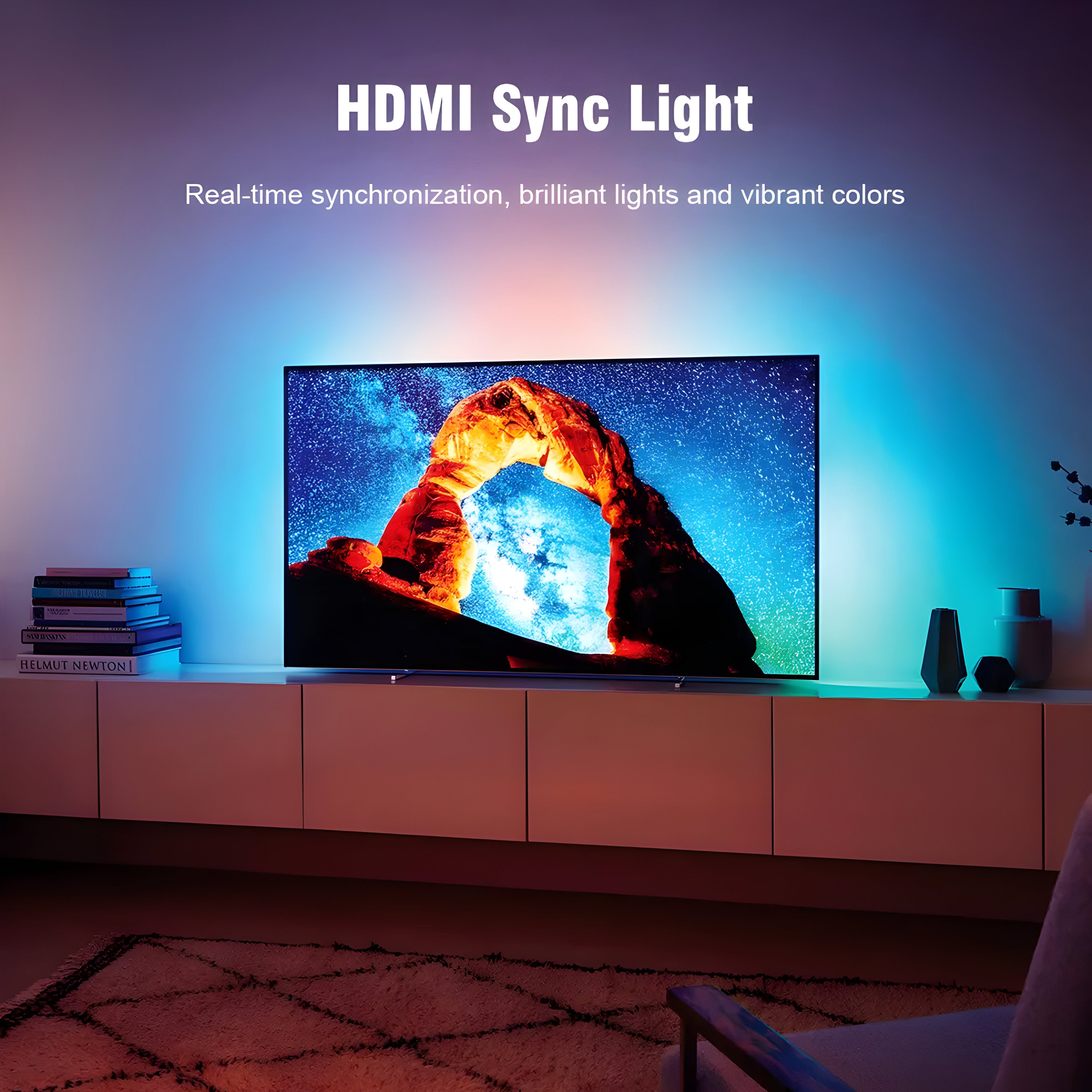
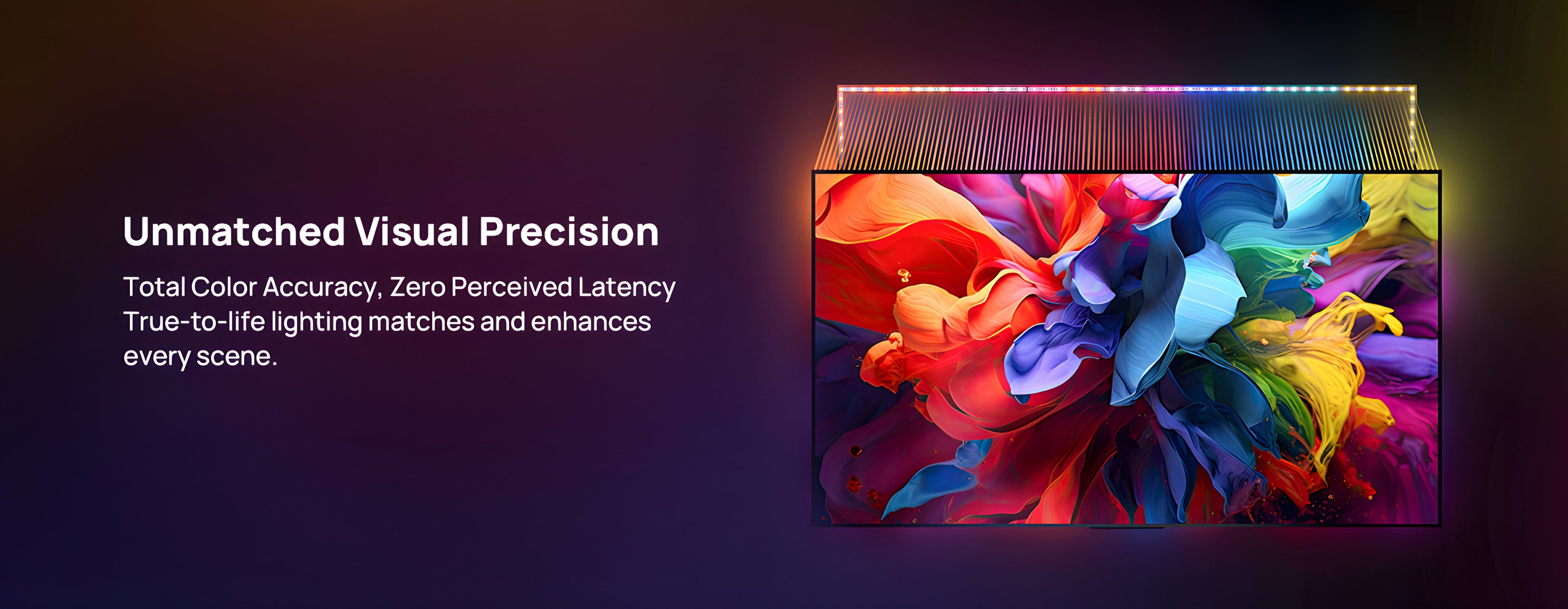
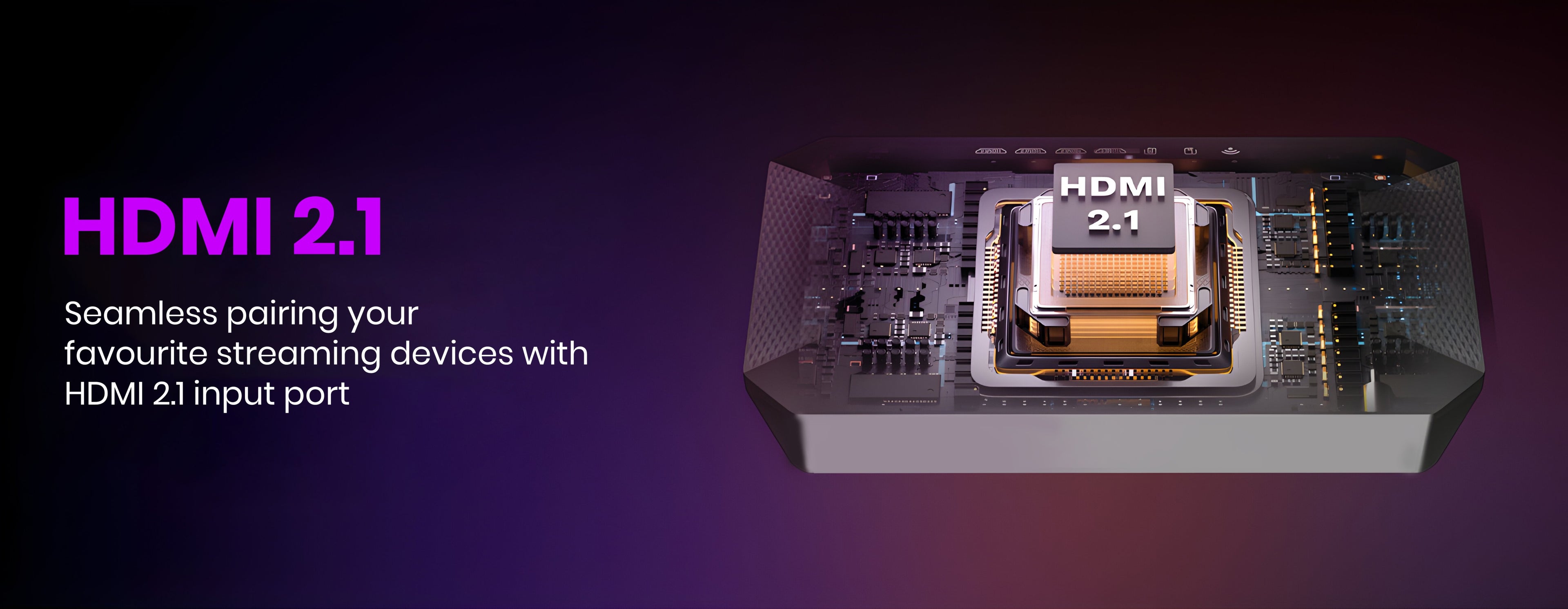
AmbiMotion 2.1 reads the video signal going to your TV and pushes matching colour onto the wall behind it with no transition delay. What separates it from a standard kit is what it lets through: 4K at 120Hz, 8K at 60Hz, Dolby Vision and Atmos, plus VRR and ALLM for console gaming.
The HDMI 2.1 sync box is included in every kit. Screens from 27 to 120 inches.
Nothing gets downgraded on the way through
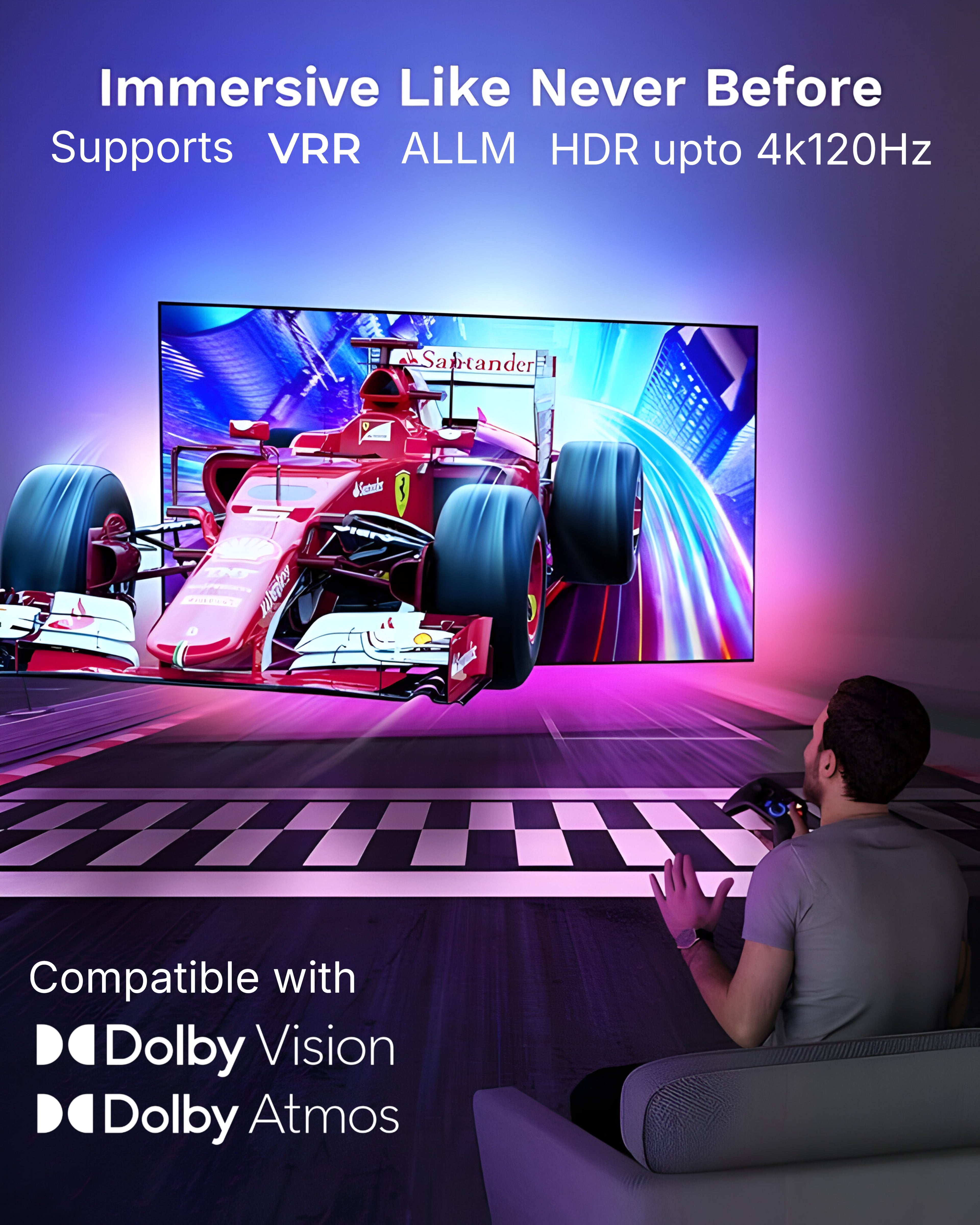
A sync box sits in the middle of your HDMI chain, so anything it can't pass through, you lose. AmbiMotion 2.1 handles:
- 4K at 120Hz — full spec for PS5, Xbox Series X and high-end PCs
- 8K at 60Hz — headroom for 8K sources
- Dolby Vision and Dolby Atmos — picture and sound pass through untouched
- VRR (variable refresh rate) — eliminates screen tearing in games with fluctuating frame rates
- ALLM (auto low latency mode) — your TV switches into game mode automatically the moment you start playing
ALLM is the one people notice day to day. No diving into TV settings before each session — the console tells the TV, the TV switches, and you play.
How it works
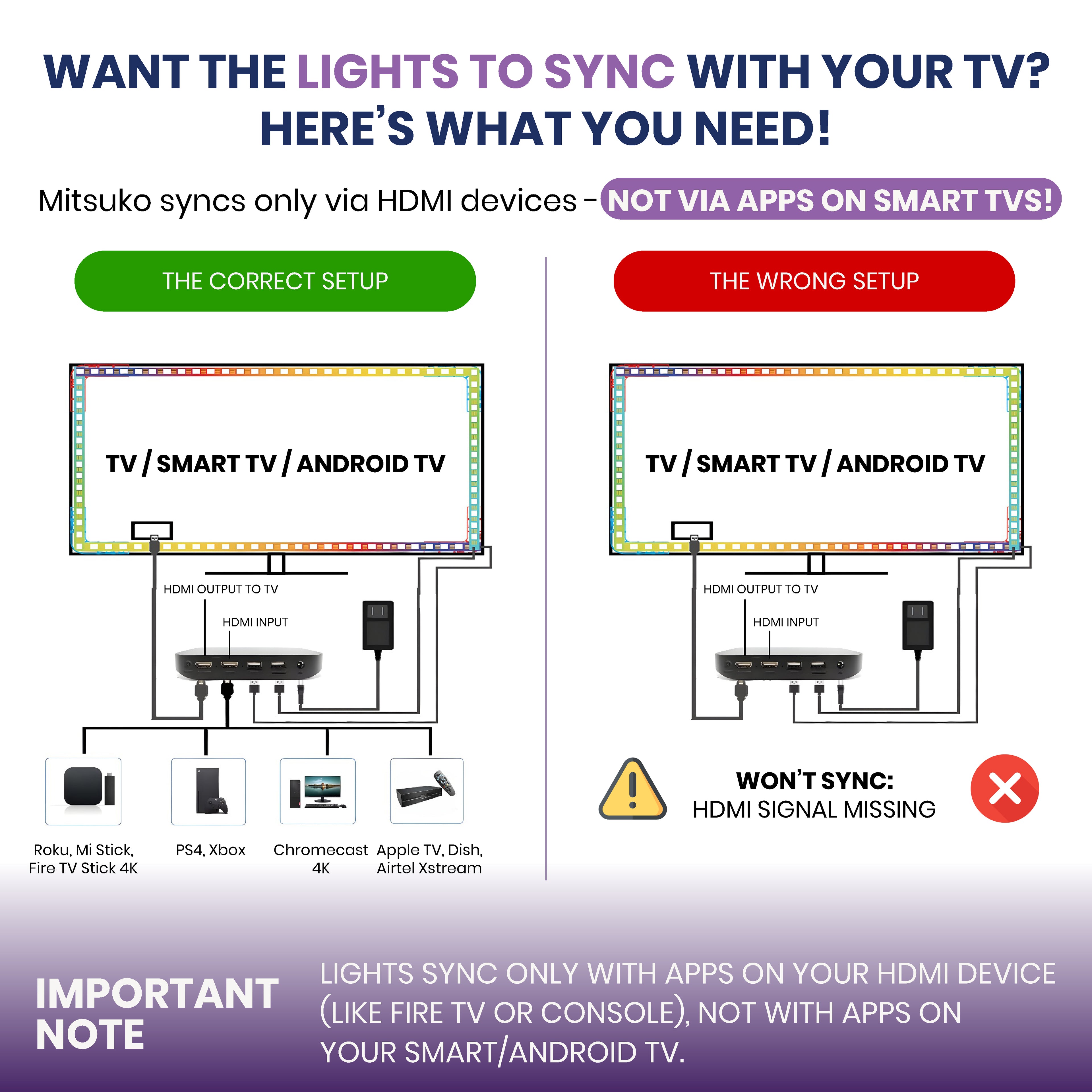
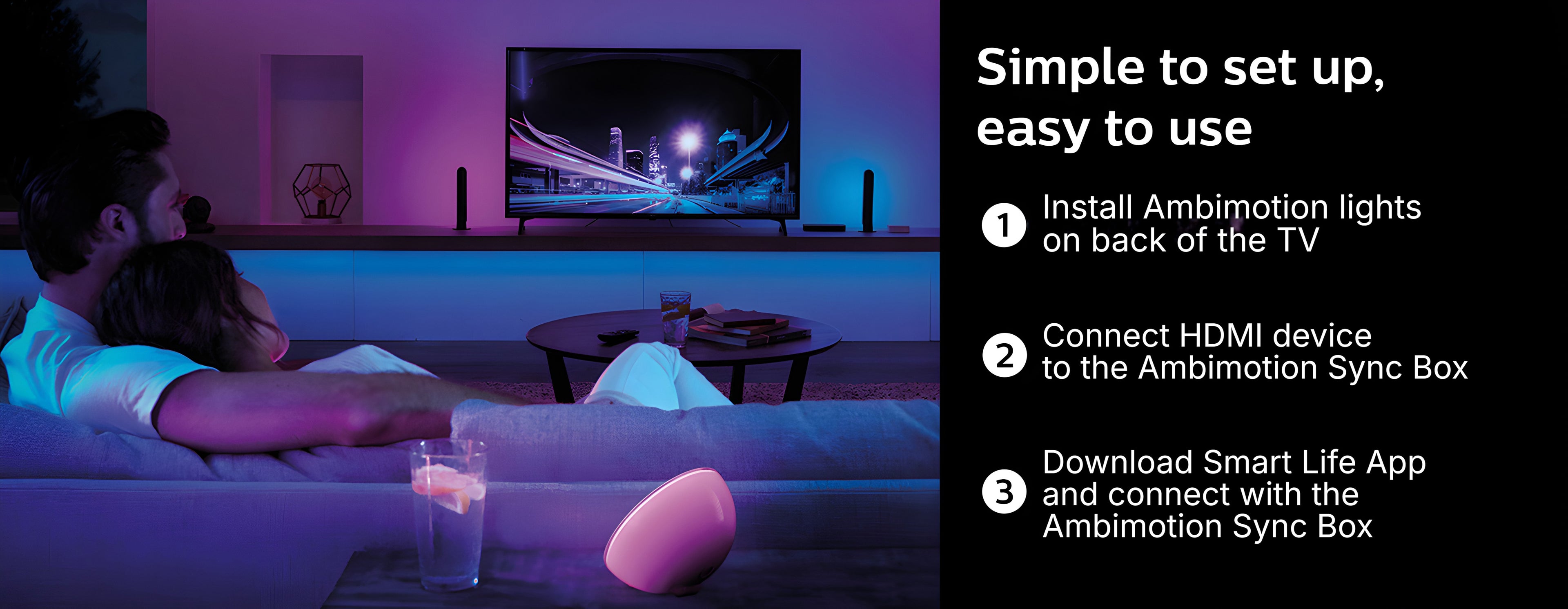
The sync box sits between your device and your TV. Your PS5, Xbox, Fire TV Stick, Apple TV or Jio set-top box plugs into the box, and one HDMI cable runs from the box to the TV. Everything travels through the box, so it can read the picture and drive the lighting to match.
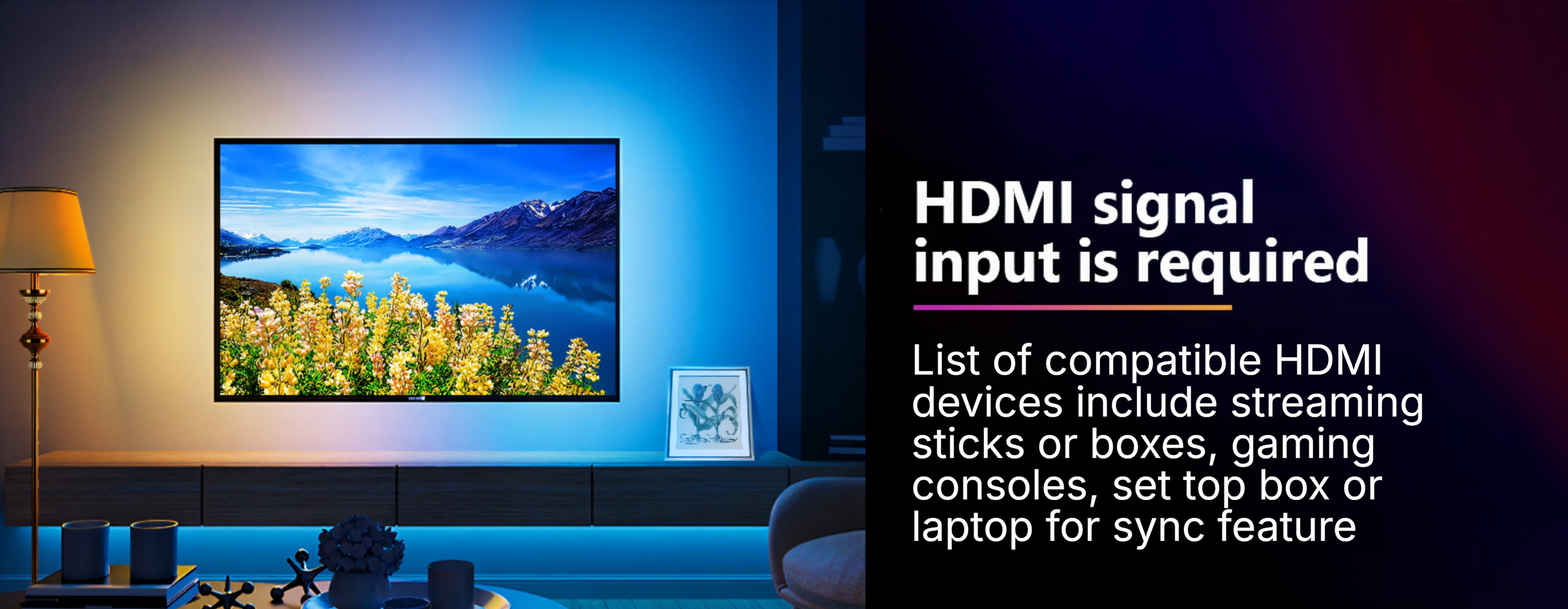
You need an external HDMI device plugged in. Apps built into your smart TV don't pass through the sync box, so they can't sync. Run Netflix, Prime Video and Hotstar from a Fire TV Stick or console instead and everything syncs normally.
More detail here: Do I need a Fire TV Stick for a TV backlight?
One HDMI 2.1 input
The sync box has one HDMI 2.1 input and one output — enough for a single source, whether that's a PS5, an Xbox or a streaming stick.
If you run a console and a set-top box and a streaming device, and you'd rather not swap cables between them, AmbiMotion 2.1 Pro has three HDMI 2.1 inputs so everything stays connected.
Dedicated gaming mode
Gaming mode reacts faster than movie mode, tracking quick cuts and fast camera movement without lag. The lighting algorithm picks the dominant colours in each frame rather than averaging everything into mud, so fast-paced scenes still read clearly on the wall.
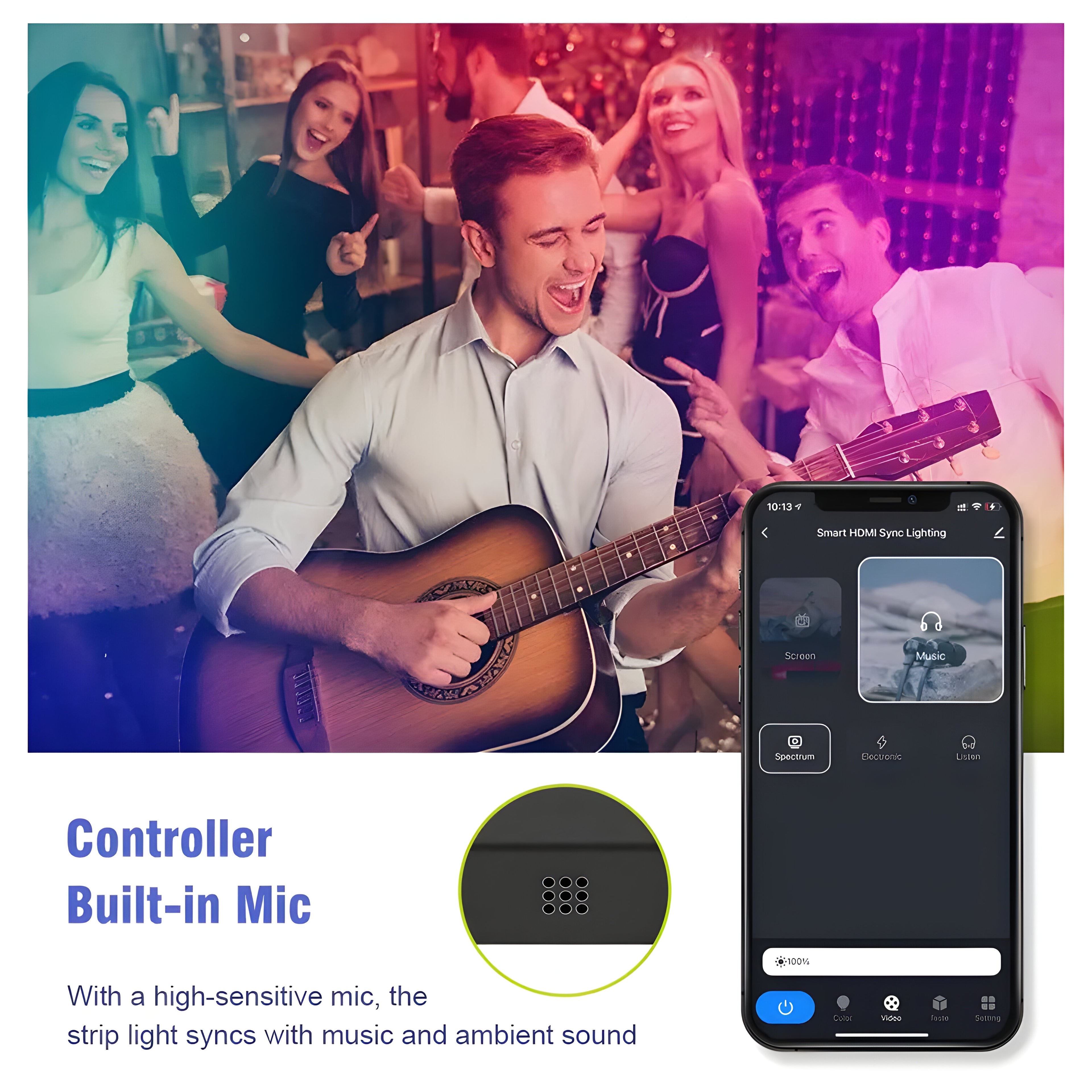
Movie mode follows the picture more smoothly for film and TV. Music mode responds to audio instead of the screen.
Syncs your whole room, wirelessly
Fantasia wireless sync connects other Mitsuko lights to the AmbiMotion sync box — light bars, floor lamps, ceiling lights and wall lights all take colour from the same screen. The room moves together instead of one glowing rectangle behind the TV.
Which size do I need?
Three variants cover 27 to 120 inches:
- Up to 65 inches — most living room and bedroom TVs
- 65 to 90 inches — large living room and home theatre screens
- 90 to 120 inches — projector screens and very large panels
Measure the back of your TV, not the screen diagonal. Run a tape along the back panel edge to edge and pick the variant that covers all four sides with a little slack at the corners. Screen size and back panel size aren't the same number, and this is the most common sizing mistake.
App and voice control
AmbiMotion 2.1 runs on the Smart Life app, free on Android and iOS. Colours, brightness, scenes and sync modes are all controlled from your phone. It also works with Alexa and Google Assistant.
Installing it
- Clean the back of your TV. The adhesive needs a dust-free surface — this is the difference between a strip that stays up for years and one that peels in a month.
- Peel and stick the LED strip around the back panel edge, working one side at a time and using the corner clips at each turn.
- Plug your console or streaming device into the sync box.
- Run one HDMI cable from the sync box to your TV. Use an HDMI 2.1 cable if you're running 4K 120Hz — an older cable will bottleneck it.
- Power the box, pair it in the Smart Life app, and switch your TV to the HDMI input the box is on.
Common questions
Do I actually need 2.1 over the standard kit?
If you game on a PS5, Xbox Series X or a high-end PC at 4K 120Hz, yes — a standard kit will cap you at 60Hz. For film, streaming and everyday viewing, AmbiMotion 2.0 does the same job for less.
Will I lose Dolby Vision or Atmos?
No. Both pass through the sync box untouched, so you keep full picture and sound quality.
Which app do I need?
Smart Life, free on the Play Store and App Store. Our monitor products use different software, so make sure you're downloading the right one.
Does Netflix sync?
Yes, as long as you play it from a device connected to the sync box rather than the TV's built-in app.
Will it work on a curved TV?
Yes. The strip flexes along the panel edge. Measure the back panel as you would with a flat screen.
Buying from Mitsuko
One year warranty, free shipping across India, 7-day replacement, and GST billing for business purchases. Support comes directly from our team in Amritsar.
Not sure which kit? AmbiMotion 2.1 vs 2.1 Pro: do you need three HDMI ports?










Movie Mode
Game Mode
Music Mode
CEC Mode
Amazon Alexa



-

Variable Refresh Rate Support
Variable refresh rate allows for a much smoother on-screen gaming experience. The feature is a solution to screen tearing, which occurs when your TV’s image refresh rate is out of sync with the game you’re playing.
-

Auto Low Latency Mode Support
ALLM is a feature that enables a source (e.g., a gaming console) to send a signal to the compatible connected devices to automatically activate their lowest latency setting. This ensures the TV disables any graphics post-processing and displays the game content with the least possible delay.


FAQs
Technical details
What is in the box?
Difference between Mitsuko Ambimotion 2.0 and Mitsuko Ambimotion 2.1 ?
Mitsuko Ambimotion 2.1 supports higher resolutions such as 8K@60Hz 4K@120Hz with HDR along with VRR and ALLM support which Mitsuko Ambimotion 2.0 doesn't support. Rest all features are same.
Will it work directly with smart tv or android tv ?
No, it cannot work directly with smart tv or android tv built in apps. You need an external HDMI input. List of compatible HDMI input devices are streaming devices like Fire tv stick or apple tv, gaming consoles like PS4, set top boxes, laptops etc.
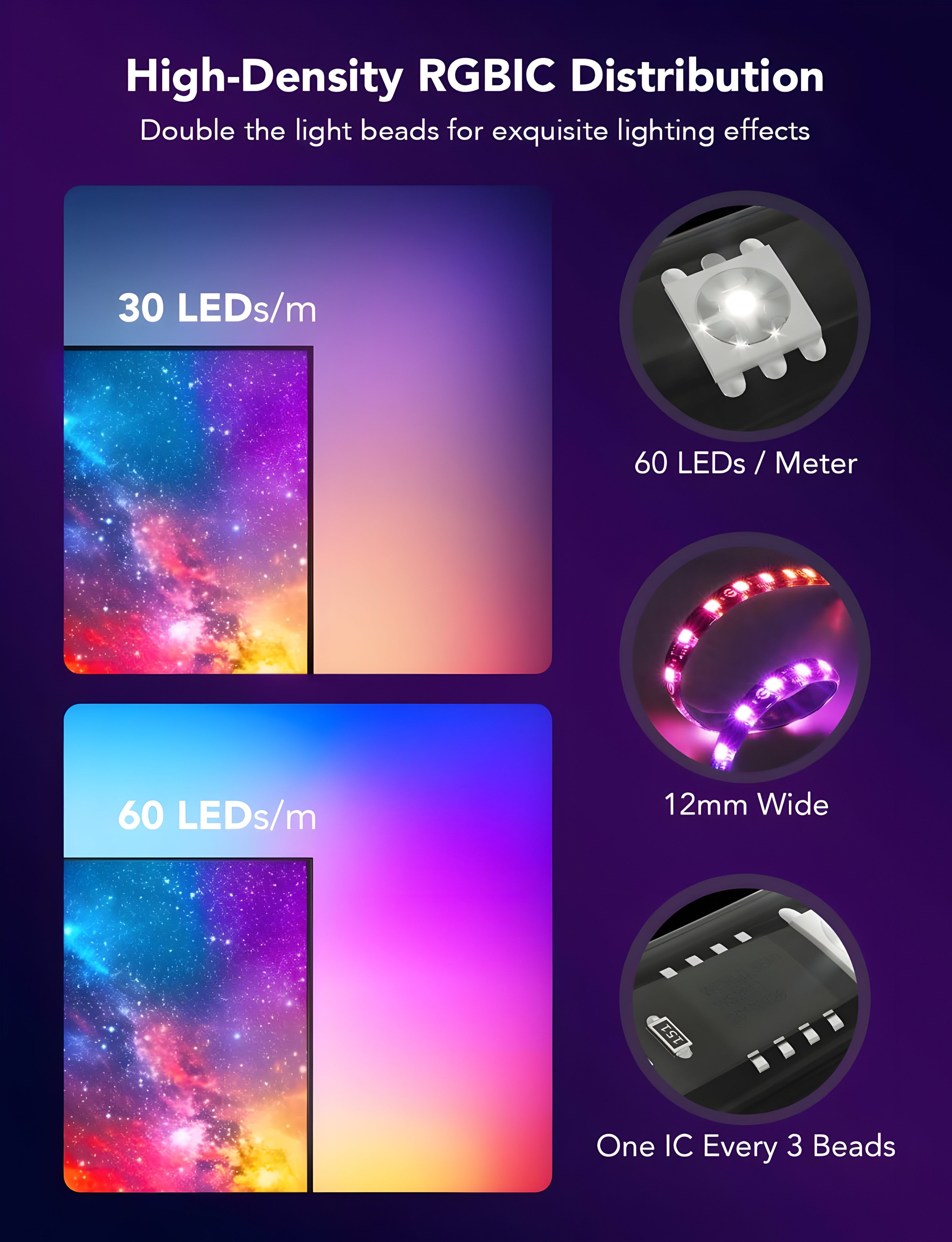
How many Leds/m and can I cut the strip lights to any length I want ?
60 Leds/m with IP65 coating. Yes it can be cut, please refer to the instruction manual to cut the prompt line.
Can I use it with my TV remote ?
Yes, you can directly control sync box with TV remote by turning on CEC mode in Smart Life App.
What if my TV doesn't support HDMI 2.1 cable or 120Hz or HDR ?
If your TV doesn't have any of the features, the same feature of the Mitsuko Ambimotion 2.1 sync box will not work. For eg if your TV support only 60Hz, then output from Ambimotion 2.1 Sync box will be 60Hz only.